Imagine you found a promising offer for TikTok, but the advertiser does not support the TikTok pixel. Not ideal. In this case, sending events to TikTok with Events API can help.
What is TikTok Events API?
TikTok Events API is a server-side integration that lets you send website or app events from your server directly to TikTok servers. It works similarly to TikTok Pixel and can be used for conversion events, audience building, dynamic product ads, and campaign optimization.
Main benefits of TikTok Events API
- Accurate event tracking. Server-side tracking is more resilient to ad blockers and browser limitations, so you can collect more conversion events.
- Better audience quality. Since tracking is less likely to be blocked, your audiences include more real users.
- Data security. With server-side tracking, sensitive data handling is more controlled.
- Privacy control. You can adapt what data is sent and when, according to changing privacy requirements.
- Enriched data. You can send extra fields (for example from CRM) and use them for custom audiences.
How it works
Each click on a TikTok ad adds ttclid to the URL. This click ID is valid for 7 days. If you store it and send it back via Events API, TikTok can attribute events to your campaigns.
To improve event match quality, you can also send external_id, phone, email, IP, and User Agent. If you do not have all fields, a minimal setup with ttclid, IP, and User Agent still works.
Official docs: TikTok Events API documentation.
Setup flow (short version)
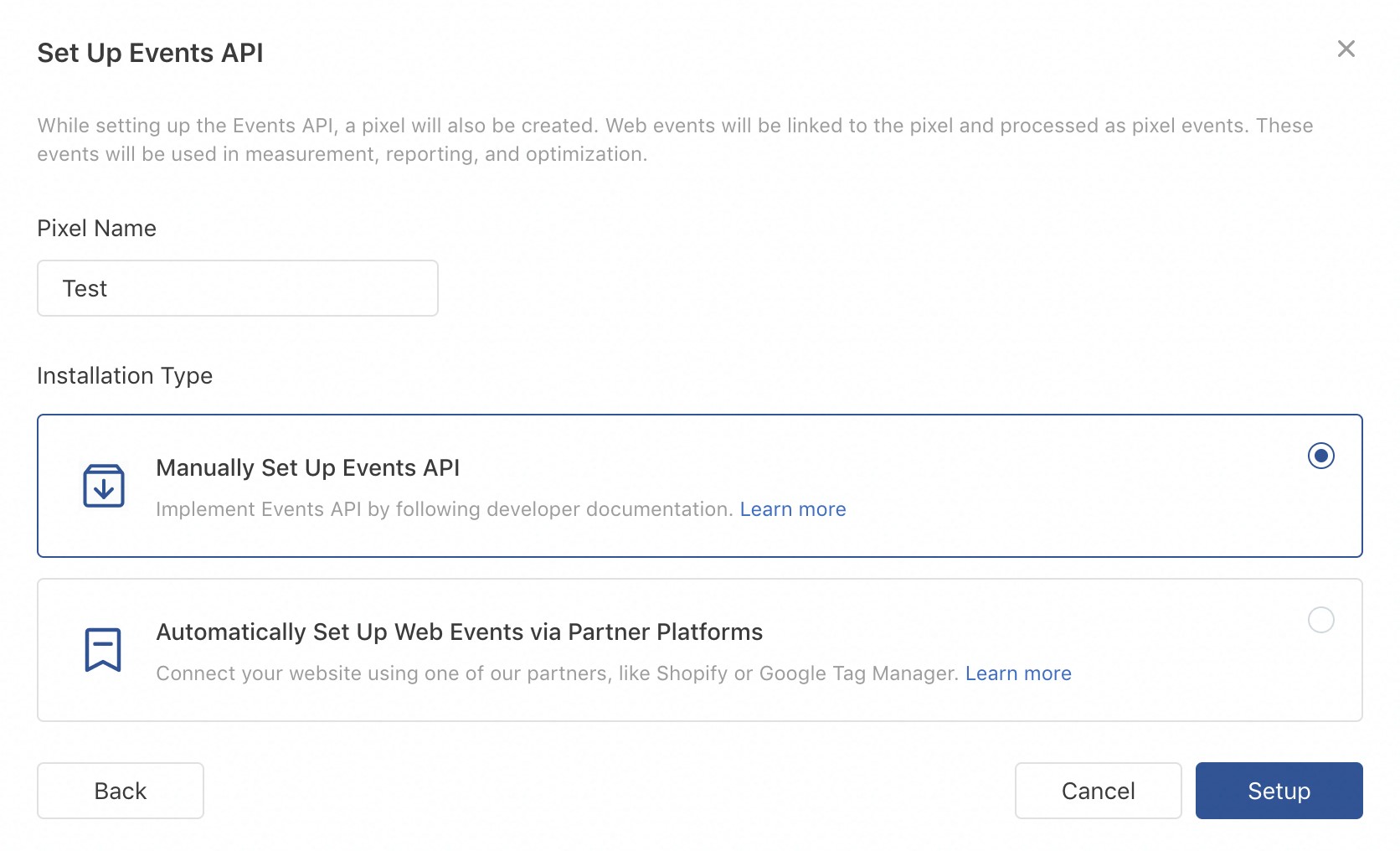
- In Events Manager: Web Events → Set Up Web Events → Events API.
- Create a pixel and choose manual setup.
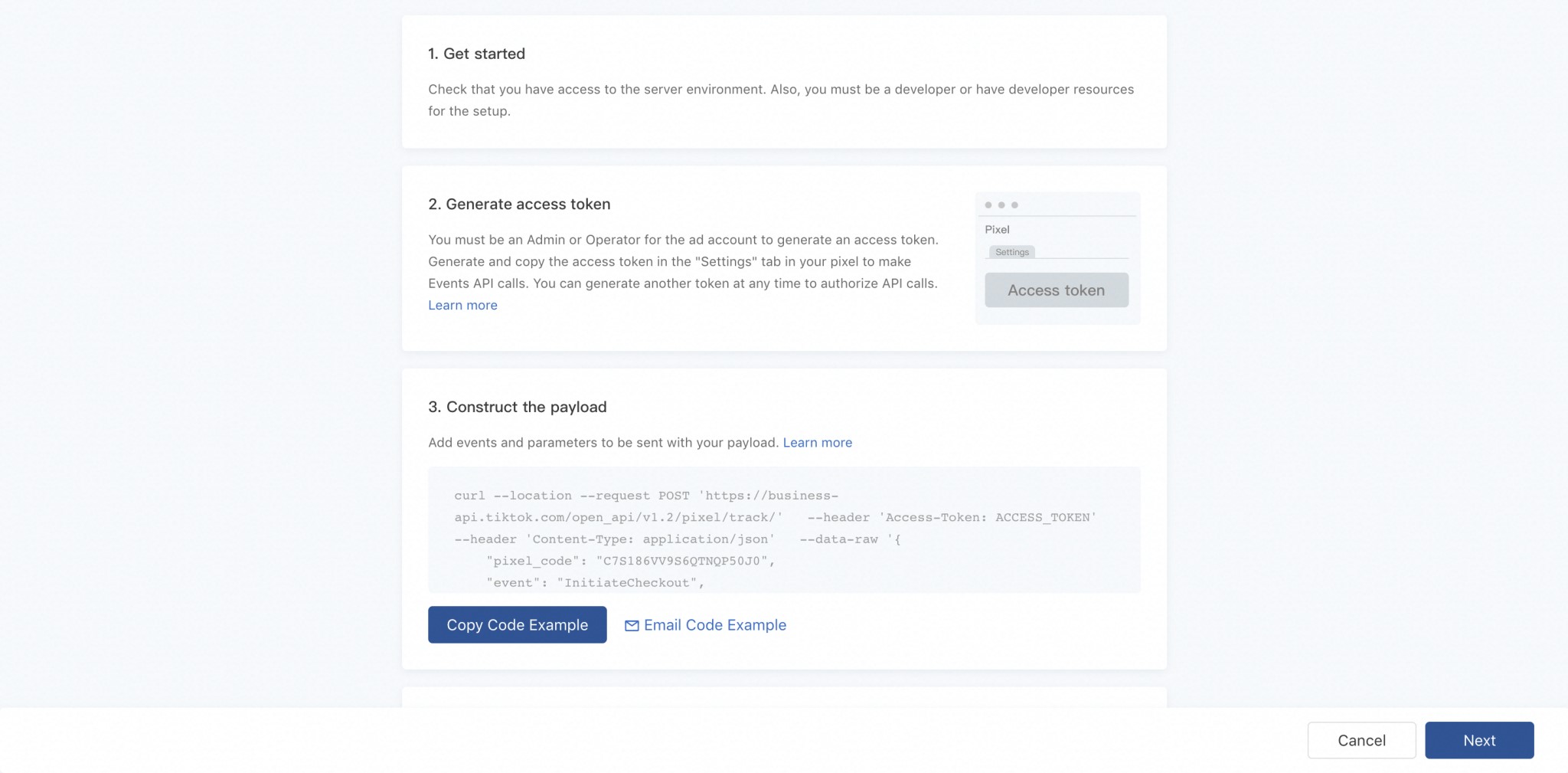
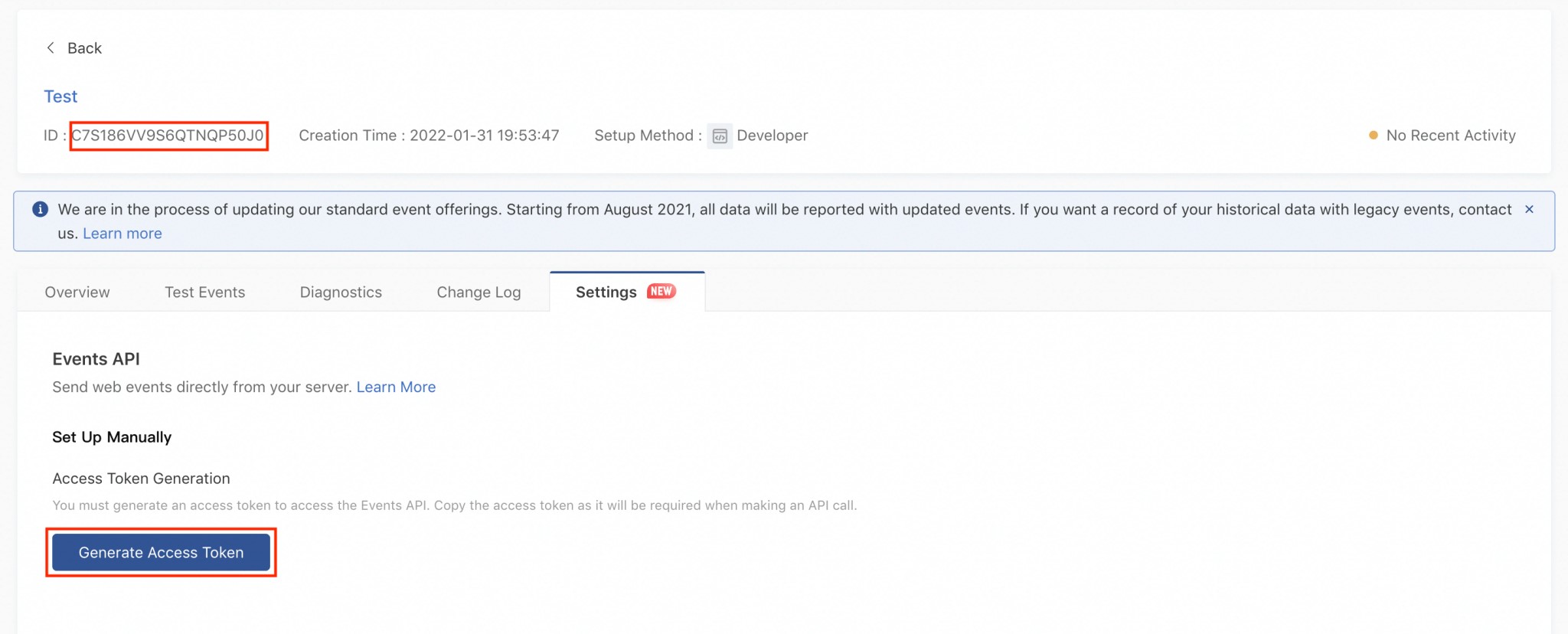
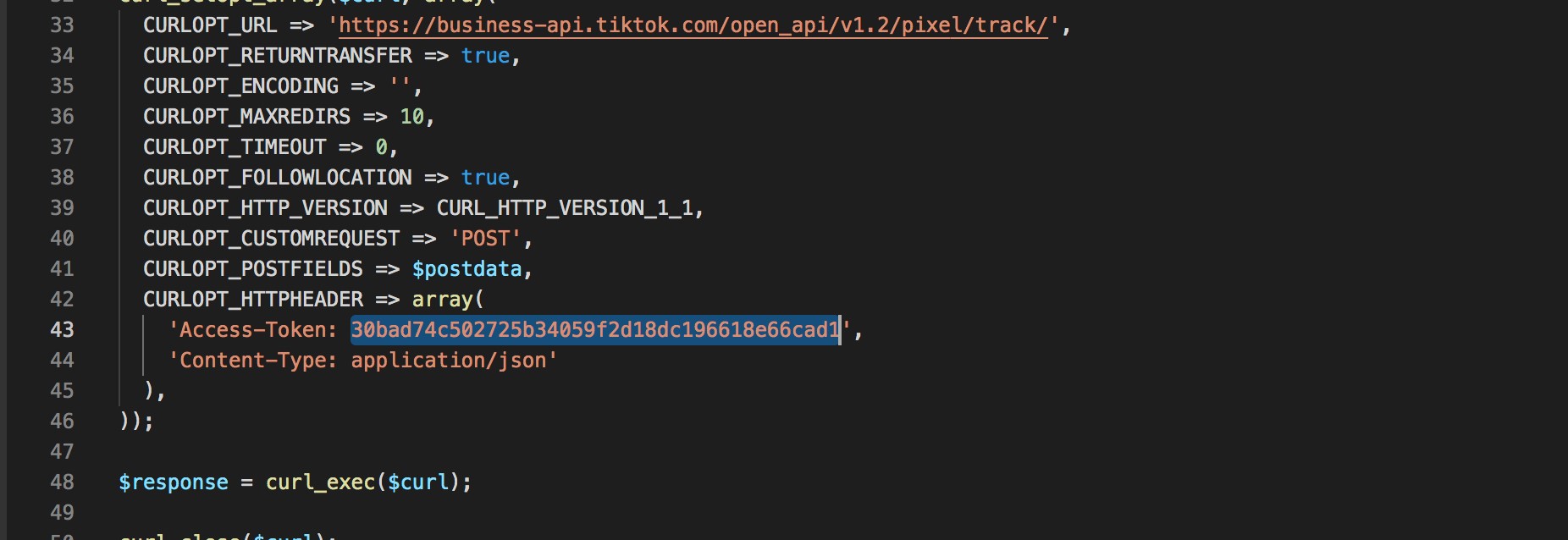
- Generate access token and save it.
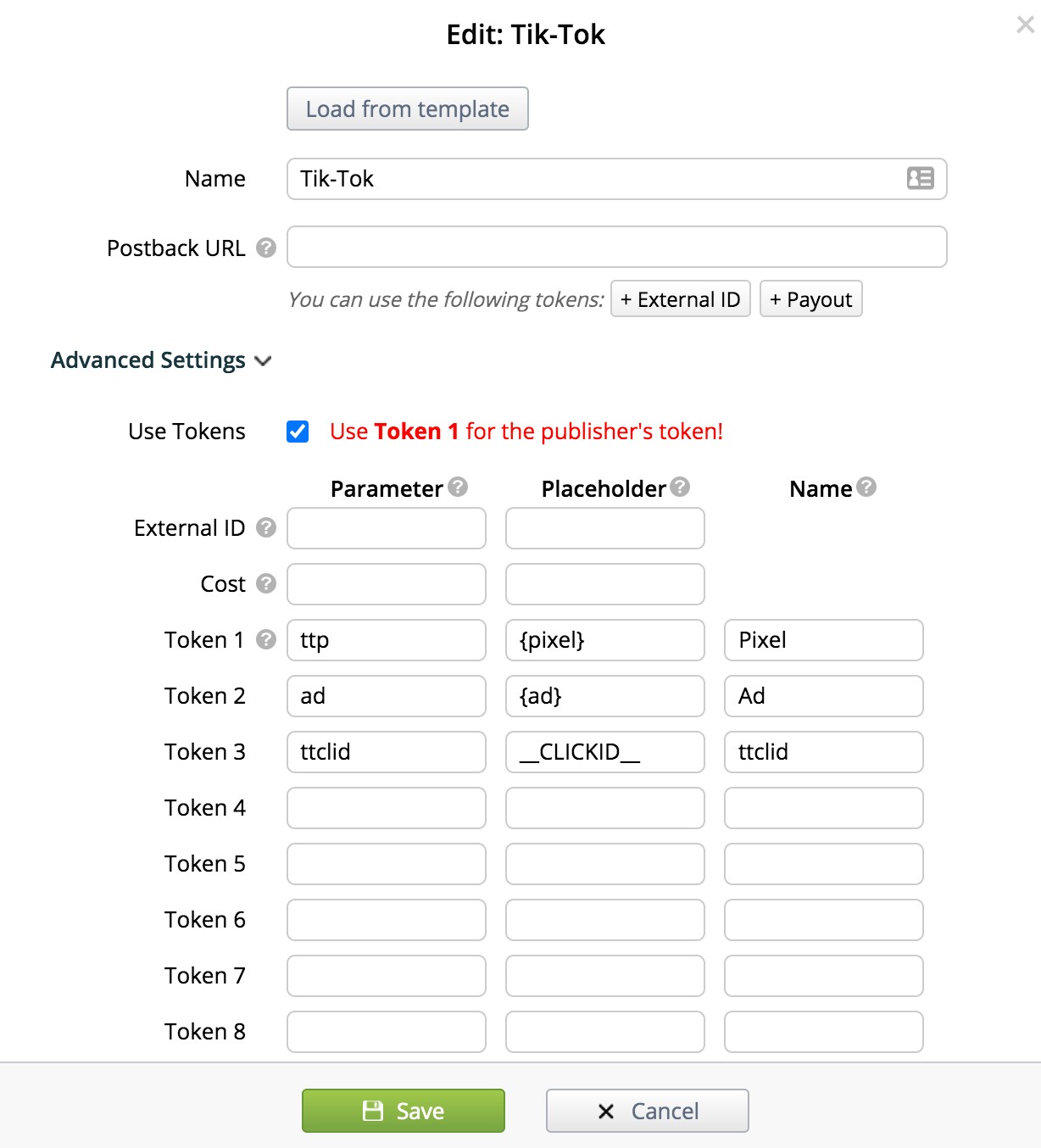
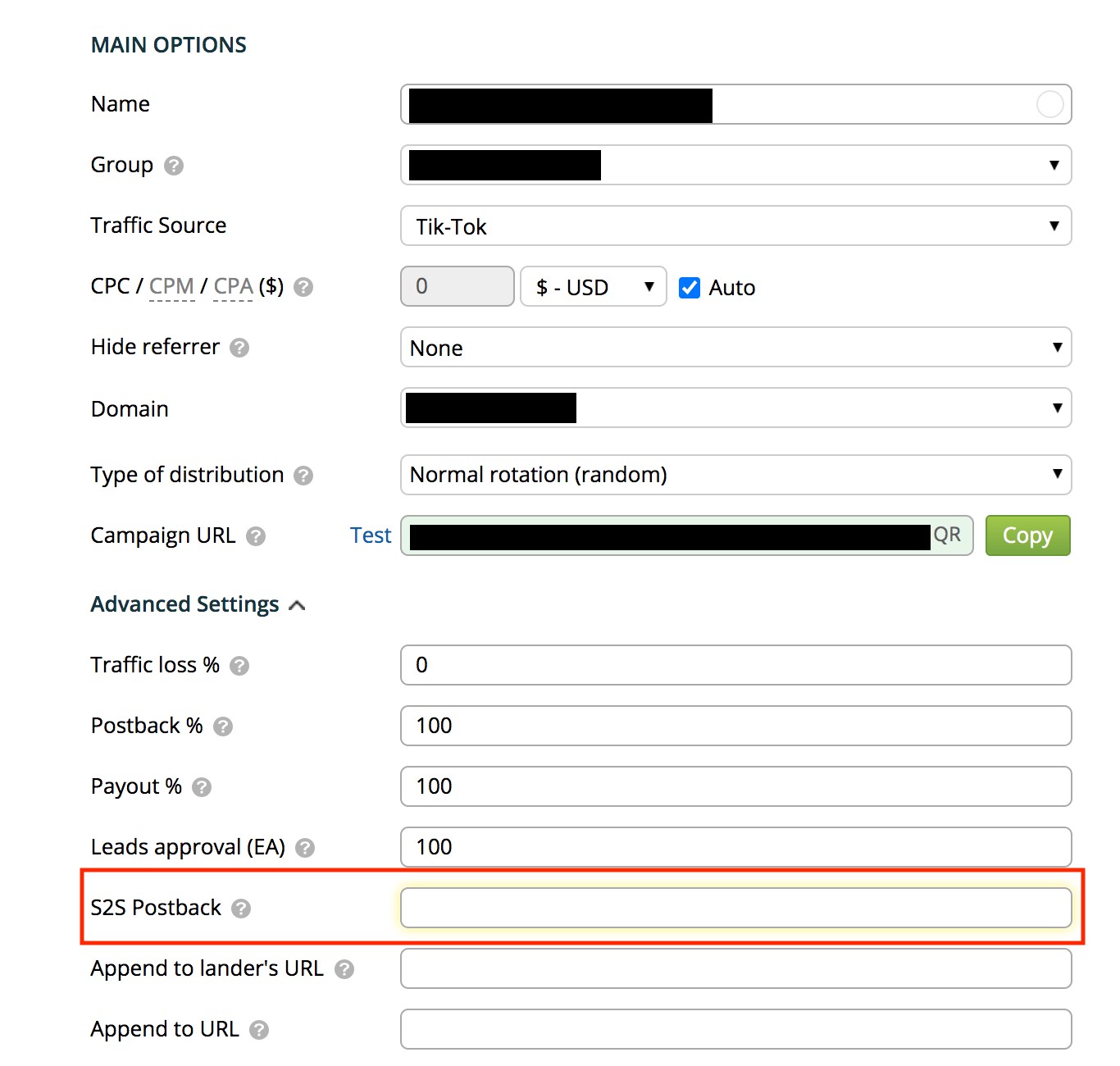
- In Binom, create a TikTok traffic source and include required tokens.
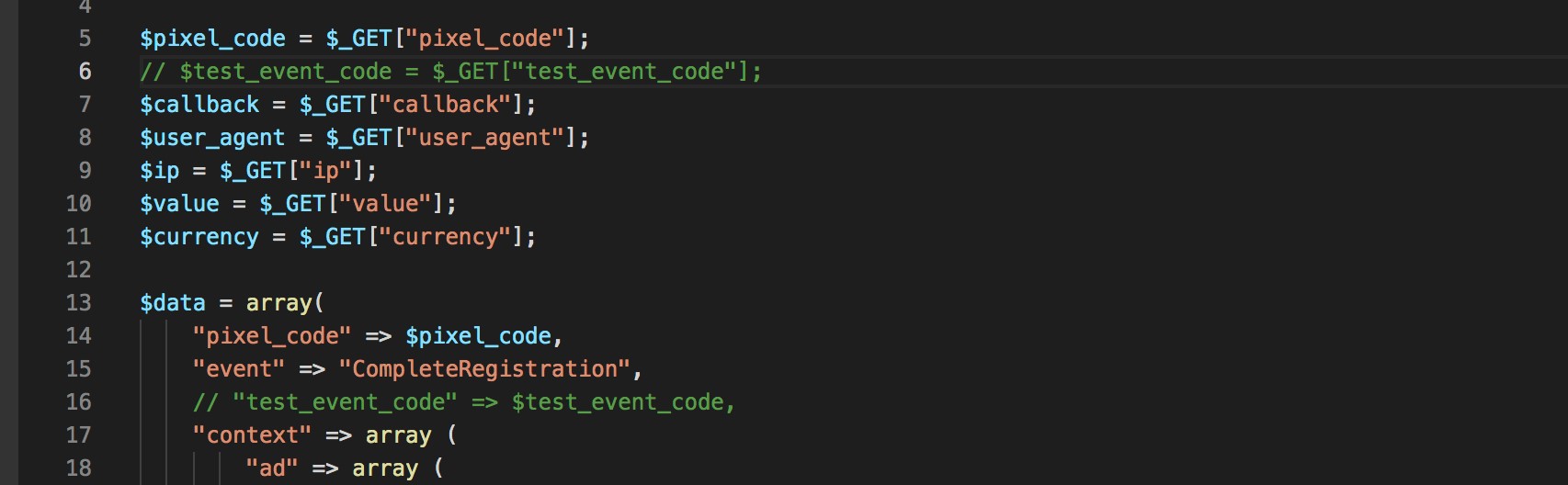
- Upload the integration script and configure S2S postback in the campaign.
- Run a test request and confirm conversion appears in TikTok Events Manager.
Quick practical notes:
- Keep
ttclidat the end of your campaign URL. - Use a supported TikTok currency in postback value mapping.
- Double-check the script path before saving campaign settings.
- If partner sends IPv4 and Binom stores IPv6, pass partner IP via postback token.
That is it — your TikTok event transfer via Events API is ready.
Illustrations from original publication